Shop by Category

Welcome to Grab n Go!
 English
Jul 10, 2026 / By Grab n Go Admin / in Ecommerce
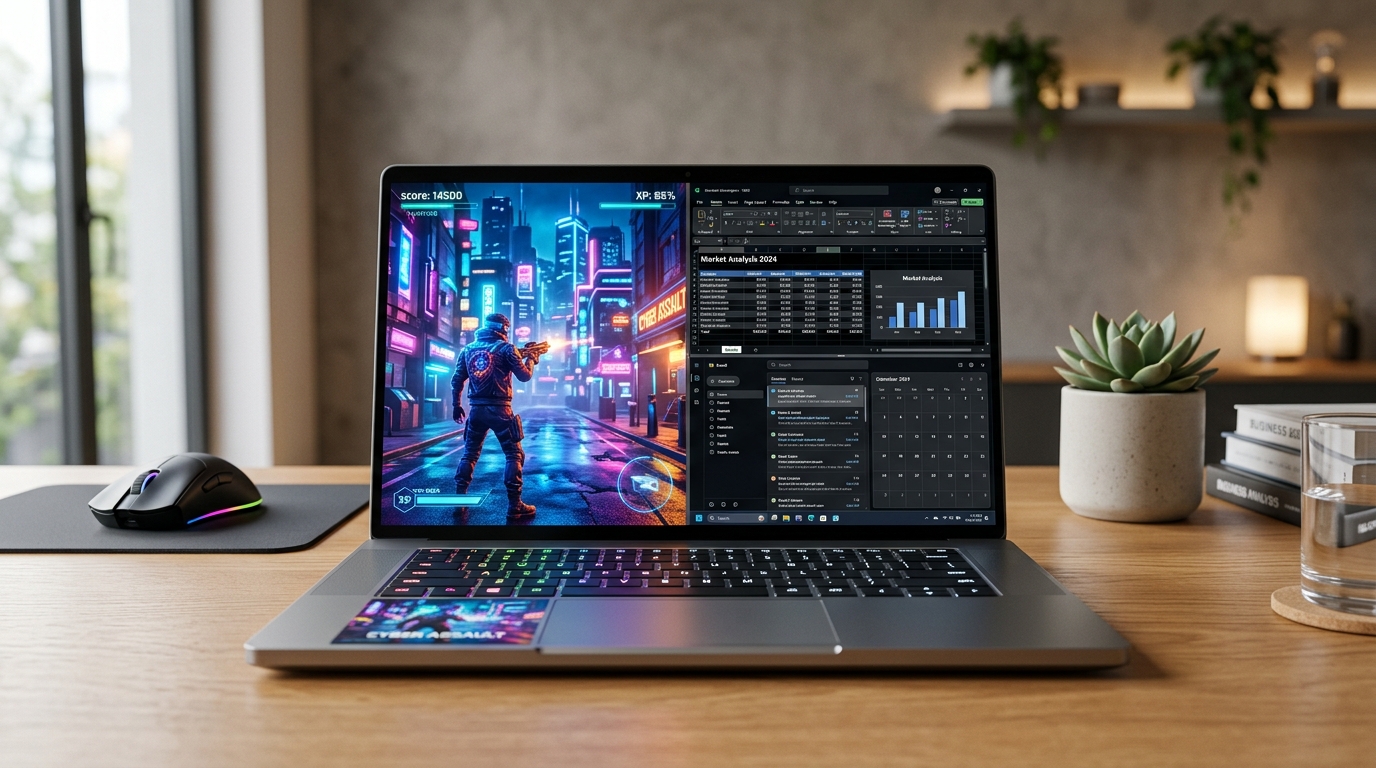
Gaming on a laptop in Sri Lanka has always involved a budget conversation. New dedicated gaming machines start well above LKR 250,000, which puts them out of reach for a large portion of buyers who still want to game. The refurbished and pre-owned laptop market offers a genuine middle path - but only if you know exactly what to look for and what to walk away from. We at Grab and Go carry both pre-owned business laptops and new gaming machines at grabandgo.lk, and the answer to whether you can game on a refurbished laptop is a firm: it depends on the machine.
Here is what that actually means in practice.
Before processor generation, before RAM, before storage - the single specification that determines whether a laptop can game is the GPU.
Specifically, whether it has a dedicated GPU at all.
Integrated graphics - Intel UHD, Intel Iris Xe, or AMD Radeon integrated into the processor - handle video playback, document work, and even light photo editing without complaint. What they cannot do reliably is render the complex 3D environments, high-polygon character models, and real-time lighting calculations that modern games demand. Integrated graphics share system RAM instead of having their own dedicated video memory, and they lack the parallel shader processing architecture that gaming workloads depend on.
The presence of a dedicated NVIDIA GeForce or AMD Radeon GPU with its own VRAM is the single dividing line between a laptop that can genuinely game and one that cannot.
If a machine is being evaluated specifically for gaming, these are the numbers that matter:
The pre-owned business laptop inventory - Dell Latitudes, HP ProBooks, Lenovo ThinkPads - was engineered for corporate productivity. Recommending these for dedicated gaming would be inaccurate. For genuine gaming performance, the new MSI gaming laptops currently available on grabandgo.lk are the right category entirely.
All MSI Cyborg and Thin series machines include MSI's dedicated gaming thermal system - Cooler Boost - with separate airflow paths for CPU and GPU cooling. This matters more than most buyers realise, particularly in Sri Lanka's ambient temperatures.
[LINK-NEXT: The GPU, VRAM, RAM type, and storage interface are the four hardware variables most commonly misunderstood by first-time laptop buyers - knowing what each one actually does changes how clearly you can read any spec sheet]
Honesty is more useful here than optimism.
The pre-owned Dell Latitudes, HP ProBooks, and Lenovo ThinkPads on the site are productivity powerhouses. They are not gaming machines. Their Intel UHD integrated graphics can handle a specific library of games - older titles, 2D games, and esports titles with deliberately low GPU requirements.
Games that run acceptably on integrated graphics at low settings include Minecraft, Stardew Valley, older Counter-Strike builds, League of Legends, and classic strategy titles. Games that will not run at any usable setting include recent open-world titles, modern first-person shooters, and any title specifying a dedicated GPU as a minimum system requirement.
The Dell Precision 3520 - the workstation-class machine in the pre-owned inventory - sits in a slightly different position. Its Core i7 processor and workstation-grade thermals give it more headroom than standard business laptops for CPU-dependent gaming tasks, but without a discrete GPU, the ceiling is the same.
Pre-owned business machines are exceptional value for what they were built to do. Gaming beyond casual titles simply is not in that brief.
A laptop with a strong GPU on paper can still deliver disappointing gaming performance if its thermal management fails under sustained load. This is the variable that separates machines that benchmark well from machines that actually game well over a full session.
Gaming pushes both the CPU and GPU to high sustained loads simultaneously. The cooling system must handle both. When it cannot, the machine throttles - voluntarily reducing processor and GPU clock speeds to prevent component damage from heat. Frame rates drop noticeably when throttling begins, often mid-session.
In Sri Lanka's climate, where ambient temperatures already put additional pressure on laptop cooling, this matters more than in cooler regions. Gaming laptops like the MSI Thin A15 and Cyborg 15 series include dedicated heat pipe and dual-fan designs specifically sized for this sustained dual-component load. Business laptops include single-fan cooling scaled for office workloads, not gaming.
For any pre-owned machine being considered for casual gaming, physically check the vent condition before purchasing. Dust-clogged heatsinks cause immediate throttling regardless of what the specifications say on paper.
The refurbished laptop question in gaming is not a yes or no. It is a question of fit.
If the game library consists of older titles, indie games, esports titles, and browser-based gaming, a well-specified pre-owned business machine handles it without issue and saves significantly against a new gaming laptop. If the library includes recent AAA titles, open-world games from the last two to three years, or anything that lists GPU requirements above integrated graphics, a dedicated gaming machine is the only sensible choice.
The full laptop range - pre-owned business machines and new MSI gaming laptops - is available at Grab and Go on grabandgo.lk. Use the GPU chipset filter on the laptops page to browse by graphics card, or reach us at 0777999540 or info@grabandgo.lk for a recommendation built around the titles you actually play and the budget you are working with.
Oct 05, 2026 by Grab n Go Admin
Sep 21, 2026 by Grab n Go Admin