Shop by Category

Welcome to Grab n Go!
 English
Feb 02, 2026 / By Grab n Go Admin / in Electronic
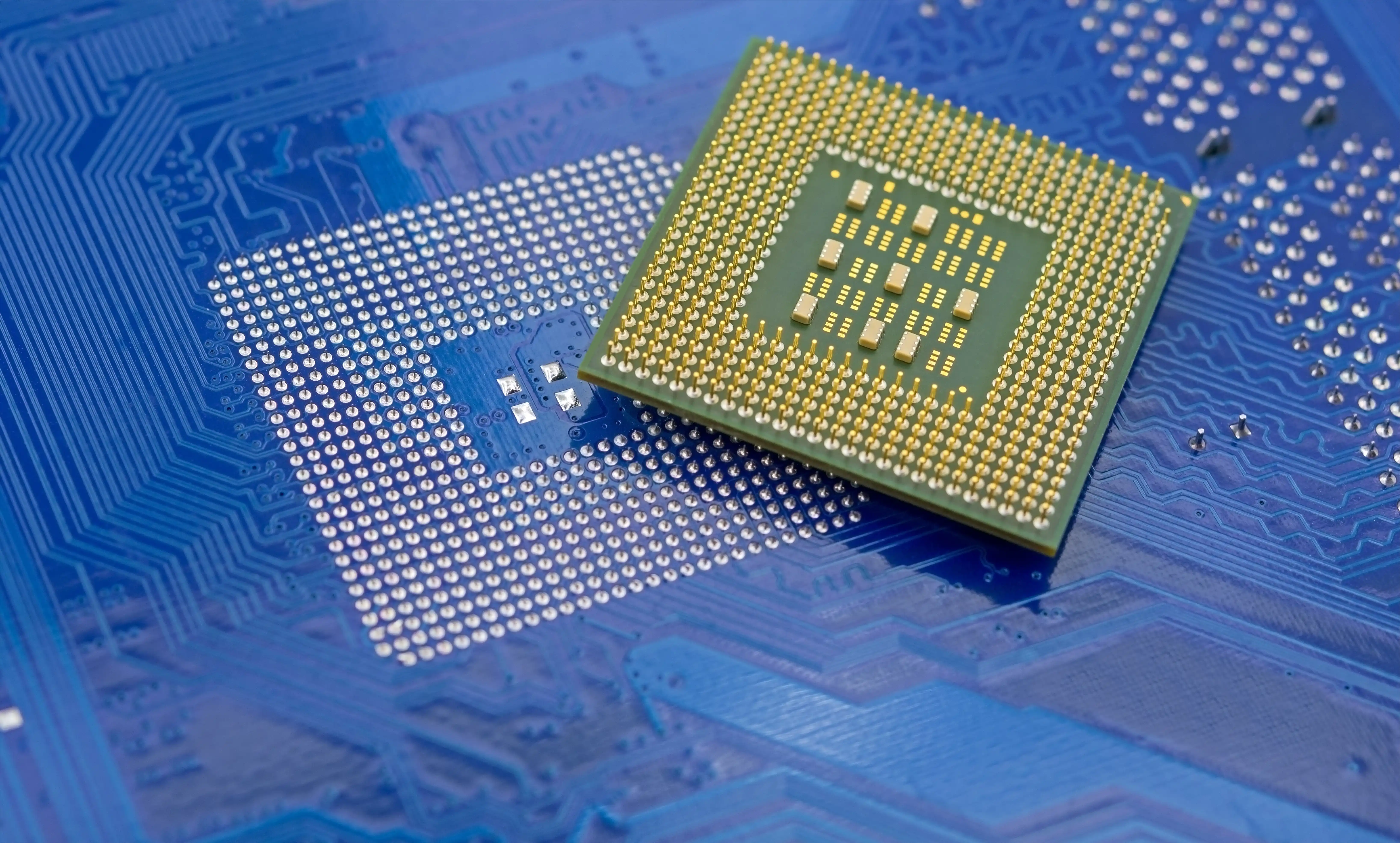
Modern laptops and desktops carry far more power than their slim frames suggest, and at the center of that power sits the processor. Intel Core CPUs have evolved quietly but dramatically over the years, reshaping how people work, study, create, and play. Choosing the right generation is less about chasing the newest badge and more about understanding how these processors think, manage heat, and respond to real workloads.
At the start, we look at performance from a practical lens. Our focus stays on clarity, real use cases, and the kind of Intel Core processors commonly found in reliable laptops and systems available through us. No unnecessary hype, just how these generations differ and how to choose wisely.
Intel Core processors usually arrive with labels that feel like coded messages. i3, i5, i7, i9 followed by a generation number and letters. Once decoded, the pattern becomes intuitive.
The first number after the processor name indicates the generation. For example, a Core i5 11th Gen belongs to Intel’s eleventh generation lineup. Newer generations generally bring better efficiency, improved graphics, and smarter task handling.
A simple way to think about the tiers:
While tiers matter, generation often matters more. A newer i5 can outperform an older i7 due to architectural improvements. As processors became more efficient, thermal behavior shifted enough that cooling decisions started depending on workload patterns rather than raw wattage alone.
Earlier Intel Core generations focused primarily on raw clock speed. Second through fifth generation processors laid the groundwork for stability and everyday computing. They still appear in older refurbished systems and can handle basic tasks well.
The real transformation began around the eighth generation. Intel increased core counts in mainstream processors, allowing laptops and desktops to juggle multiple applications without slowing down. Multitasking improved noticeably, and background processes became less disruptive.
This era marked the shift from speed alone to smarter performance. Systems began distributing tasks more efficiently across cores, which is why later generations feel smoother even at similar clock speeds.
For users handling spreadsheets, browsers with dozens of tabs, or basic editing software, this jump alone made a visible difference in daily productivity.
Intel’s recent generations introduced hybrid architecture, especially noticeable from the twelfth generation onward. This design combines performance cores with efficiency cores, allowing systems to prioritize demanding tasks while keeping background operations lightweight.
Instead of all cores behaving the same way, the processor adapts in real time. Heavy applications receive power where needed, while routine processes stay energy efficient.
What this means in practice:
This architectural shift mirrors how modern PC builds now consider airflow and thermal balance as part of the system design rather than an afterthought. Hybrid designs also make newer processors feel quieter and cooler during normal use, which matters just as much as raw speed.
Choosing the right generation becomes easier when tied to how the system will be used. Not every workload benefits from the newest release, and sometimes stability matters more than novelty.
Tenth and eleventh generation Core i5 processors offer excellent balance. They support modern software, handle multitasking, and remain power efficient.
Eleventh to thirteenth generation Core i7 processors shine when running editing tools, design software, or multiple demanding apps simultaneously.
Later generation Core i9 processors cater to users running simulations, heavy rendering, or advanced development environments.
Understanding how components fit together often begins with the processor, much like planning a system build from the CPU outward rather than choosing parts randomly. Generation choice also affects compatibility with newer memory standards and storage speeds, which can quietly impact overall system responsiveness.
Intel has steadily improved integrated graphics across generations. While older processors handled only basic visuals, newer generations support higher resolutions, smoother video playback, and even light creative work without a dedicated GPU.
This matters for laptops and compact systems where space and power are limited. Integrated graphics reduce heat output and power draw, making systems more efficient overall.
Common improvements seen in newer generations:
As integrated graphics improved, overall system temperatures became easier to manage without relying on aggressive cooling setups. For many users, this eliminates the need for additional hardware while still delivering a smooth visual experience.
A processor is not just about today’s tasks but how well it holds up over time. Newer generations bring longer software support, better security features, and improved power management.
Efficiency plays a quiet but important role. Lower power consumption means less strain on components, reduced heat, and better long term reliability.
When choosing between generations, consider:
A thoughtfully chosen processor often defines the foundation of a system, shaping every upgrade or expansion decision that follows. Selecting the right generation is less about chasing specifications and more about aligning performance with actual needs.
Intel Core generations tell a story of refinement rather than radical change. Each release builds quietly on the last, improving efficiency, responsiveness, and usability. Understanding those changes makes it easier to avoid overbuying or settling for outdated performance.
We focus on systems that balance capability with reliability, offering processors that suit real workloads rather than theoretical benchmarks. When the processor fits the user, everything else in the system falls into place naturally.
Choosing wisely today means smoother performance tomorrow, quieter operation, and a system that keeps pace without demanding constant upgrades.
Jul 31, 2026 by Grab n Go Admin
Jul 01, 2026 by Grab n Go Admin