English

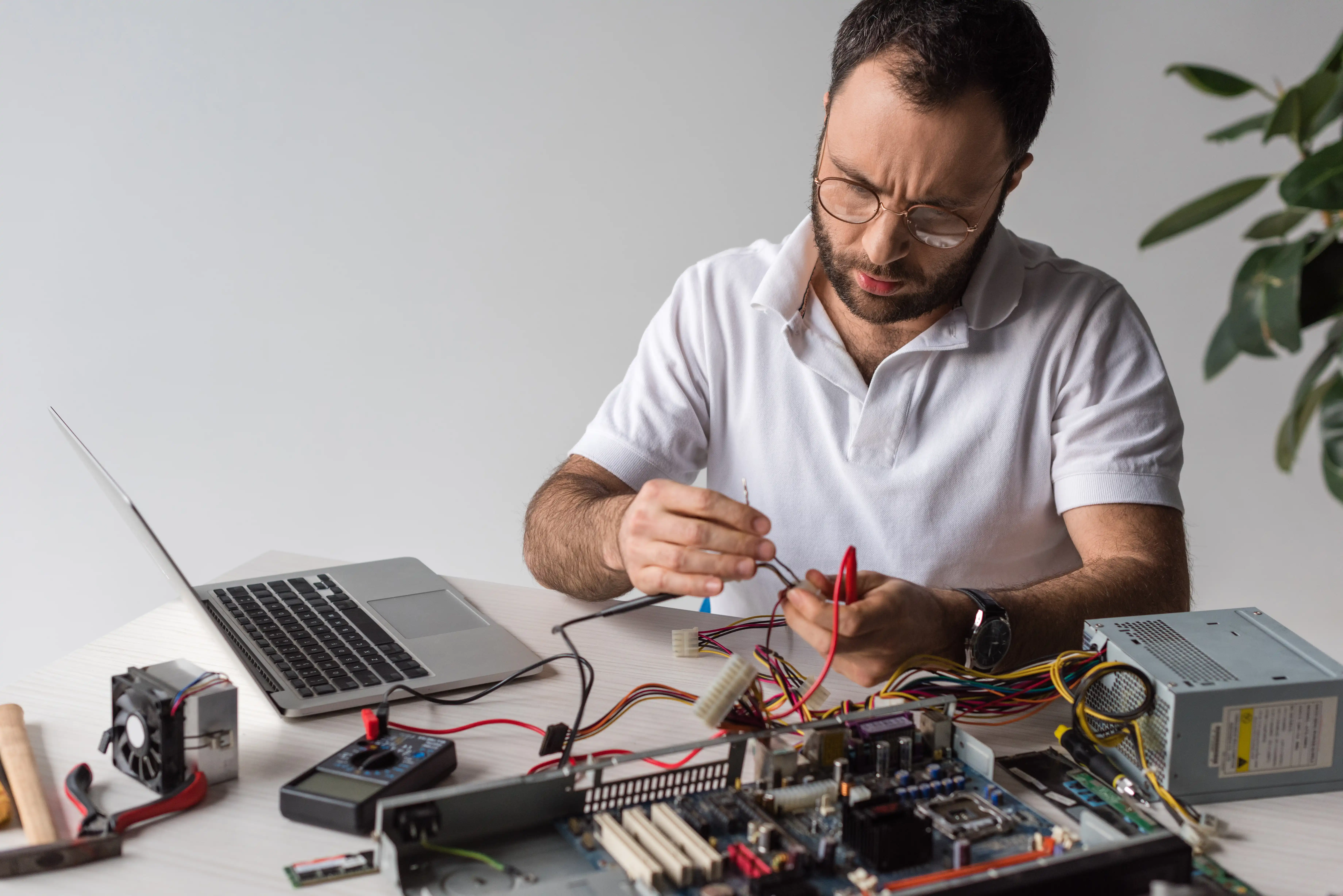
Building a PC for the first time is equal parts excitement and anxiety. Yet even the most thoughtfully planned build can refuse to power on or behave in ways that feel almost personal. Most new build problems are not disasters; they are small oversights or setup steps that quietly slipped by during the thrill of assembly.
When the Power Button Does Nothing
Silence after pressing the power button is unsettling. Before assuming a dead component, start with the basics. Double-check that the
and the
are firmly seated. These often require more force than beginners expect.
Quick Power Checklist:
- Confirm the PSU switch is in the "I" (ON) position.
- Reseat the main motherboard and CPU power cables.
- Check front panel connectors (Power SW) against the manual.
- Try shorting the power switch pins with a screwdriver to rule out a faulty case button.
Fans Spin, But Nothing Appears on Screen
If the lights are on but nobody's home, check your display chain. Ensure the monitor is connected to the graphics card (GPU) rather than the motherboard video ports, unless your CPU has integrated graphics.
Memory is another frequent culprit. Improperly seated RAM can prevent a system from "POSTing" (Power-On Self-Test). Remove and reinstall your RAM firmly, following the motherboard’s recommended slot order (usually slots 2 and 4).
Random Restarts and Sudden Shutdowns
These issues often point to thermal concerns. If your CPU cooler isn't making even contact or you forgot to remove the plastic "Remove Before Use" film, temperatures will spike rapidly, triggering a safety shutdown.
Storage Not Detected or Boot Failures
For M.2 NVMe drives, confirm the slot supports the drive type. Some motherboards share bandwidth; for instance, using certain SATA ports might disable an M.2 slot. Check your BIOS to ensure the drive is detected and set as the primary boot priority.
Performance Feels Lower Than Expected
Fortunately, performance problems are often tied to settings. Many RAM kits default to lower speeds unless you enable the
in the BIOS. Additionally, always install the latest manufacturer-recommended drivers for your chipset and GPU.
Small Mistakes, Big Headaches
Intermittent issues can sometimes be caused by
. Ensure your motherboard isn't touching the metal case directly, as this can cause a short circuit. Also, verify that no loose cables are pressing against fan blades, which can lead to noise or overheating over time.
Turning Troubleshooting Into Confidence
Every builder encounters hiccups. By understanding common errors, frustration transforms into learning. Troubleshooting is not a failure of the build, but a natural extension of the process. With patience and knowledge, your system becomes more than a machine—it becomes proof of your technical growth.